Countdown Timers That Actually Boost Your Productivity (Free)
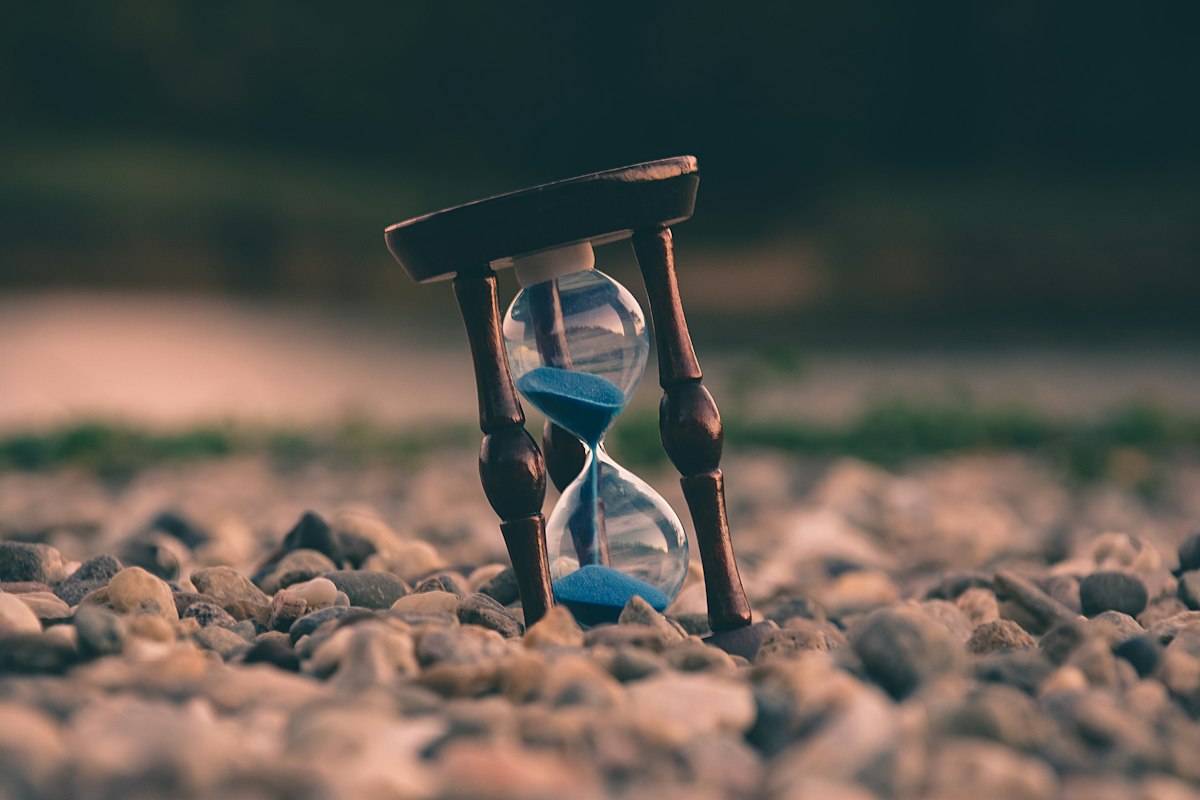
📷 Lukas Blazek / PexelsCountdown Timers That Actually Boost Your Productivity (Free)
Pomodoro, time-boxing, study sessions, cooking — how countdown timers rewire your focus. Includes free online timer you can use right now.
Here's something I noticed about myself a few years ago: when someone gives me a vague deadline like "finish this by end of week," I somehow always end up working on it Thursday night. But when I set a countdown timer for 45 minutes and tell myself "this draft is getting done before that thing hits zero" — it actually happens.
I'm not alone in this. There's real psychology behind why timers work, and once you understand it, you'll probably never work without one again.
Why Countdown Timers Actually Work
The core idea comes from Parkinson's Law, a principle articulated by British author Cyril Northcote Parkinson back in 1955: "Work expands so as to fill the time available for its completion."
In plain terms: if you give yourself a week to write a one-page memo, you'll spend a week on it. Give yourself an hour, and you'll finish in an hour. The task doesn't get better with more time — it just gets dragged out.
A countdown timer creates an artificial deadline. When you can see time ticking away on a screen, something shifts in your brain. You stop second-guessing every sentence. You stop switching tabs. You stop reorganizing your desk. The clock is running, and that matters.
There's also a psychological concept called the Zeigarnik Effect — we tend to remember and fixate on unfinished tasks more than completed ones. Starting a timer primes your brain to treat the task as "in progress," making it harder to walk away.
And honestly? There's a little bit of gamification happening too. Beating the clock feels good. Finishing before zero feels like a small win. Those small wins compound.
The Most Useful Countdown Timer Scenarios
Deep Work Sessions
Knowledge workers — writers, developers, designers, analysts — often struggle with the formless nature of their work. There's no assembly line, no clear "done." That ambiguity is where procrastination thrives.
Setting a 50- or 90-minute countdown for a focused work block changes the game. You're not trying to finish the whole project. You're just working until the timer ends. That's a manageable, concrete goal.
I personally use 90-minute blocks for writing. The first 10 minutes feel slow. By minute 20 I'm in flow. By minute 70 I'm often annoyed the timer is about to go off because I don't want to stop. That's the ideal state.
You can set up your focused sessions with our free Countdown Timer — no account, no setup, just set the time and go.
Studying and Exam Prep
Students have used timers for decades, and for good reason. Timed practice closely mirrors real exam conditions, so it builds the right mental reflexes.
But even outside of exam prep, studying in timed blocks beats "I'll study until I understand this chapter" — because that second approach has no natural stopping point, and when learning feels hard (which it often does), your brain will look for any exit.
A 30-minute countdown with a clear goal ("I will finish these 20 flashcards") gives you a finish line. Cross it, take a 5-minute break, then go again.
Cooking
This is the most obvious one, but it's worth saying: a good countdown timer is a cook's best friend. Not just for "boil pasta for 9 minutes" but for managing multiple dishes simultaneously.
When I'm cooking a full meal — say, a roast chicken, roasted vegetables, and a salad — I'll set staggered countdowns for each component. Without them, something always burns or gets cold. With them, everything lands on the table at the same time. It feels like a superpower.
Your phone's built-in timer works fine for cooking, but if you're already at your computer, our Countdown Timer tool is right there.
Fitness Intervals
Interval training (HIIT, Tabata, circuit training) is built entirely around countdown timers. You work hard for 20 seconds, rest for 10, repeat. The timer dictates everything.
Even for steady-state workouts, knowing you only have to run for 8 more minutes is psychologically different from "run until you feel like stopping." The timer externalizes the decision. You're not quitting — the timer is telling you when to stop.
Meetings and Presentations
Meetings without time constraints are productivity black holes. Setting a visible countdown for agenda items keeps conversations moving. "We have 10 minutes for this topic" is a sentence that actually changes how people talk.
For presentations, practicing with a countdown is non-negotiable. You need to know your 15-minute talk doesn't secretly run 22 minutes.
Creative Work
Writers, artists, and designers often benefit from timed sprints. The constraint forces decisiveness. Instead of endlessly refining one paragraph, you write and move on because the clock demands it.
Julia Cameron's "Morning Pages" practice is time-based. Many writing communities do "word sprints" with 15- or 25-minute timers. The constraint isn't a limitation — it's a catalyst.
Countdown Timers vs. the Pomodoro Technique
You've probably heard of the Pomodoro Technique. It's a specific productivity method developed by Francesco Cirillo in the late 1980s that uses a countdown timer as its core tool:
- 25 minutes of focused work
- 5-minute break
- Repeat 4 times
- Then take a longer 15–30 minute break
It's a great system, and if it works for you, stick with it. Our Pomodoro Timer implements the method properly with automatic transitions between work and break intervals.
But here's the honest truth: 25 minutes doesn't work for everyone or every task.
Some tasks require longer warm-up periods. Deep reading, complex coding problems, creative writing — these often don't hit their stride until you've been at them for 20+ minutes. A 25-minute cap can cut you off right when you're finally in flow.
Other tasks are too short for 25 minutes. Responding to a simple email, reviewing a document, making a quick phone call — these don't need a 25-minute block.
A general-purpose countdown timer gives you the flexibility to choose whatever duration actually fits the work. 8 minutes, 45 minutes, 2 hours — whatever you need.
Use Pomodoro when: you need structure and tend to forget to take breaks.
Use a flexible countdown timer when: you know your own rhythms and need to match the timer to the task.
How to Time-Box Tasks Effectively
Time-boxing is the practice of assigning a fixed time window to a task and stopping when time's up, regardless of whether you're done. It sounds rigid, but it's one of the most effective ways to control scope creep and get more done.
Here's how to do it well:
1. Define what "done" looks like before you start the timer. "Work on the report" is too vague. "Write the executive summary section" is concrete. You need to know what success looks like when the timer ends.
2. Choose a realistic time block. If you've never timed how long a task takes, estimate and then cut it by 20%. The slight pressure of a too-tight deadline is often more motivating than a comfortable buffer.
3. Eliminate distractions before starting. Close unnecessary browser tabs. Put your phone in another room or face-down. Set your status to "busy" on Slack. The timer means nothing if you're context-switching every 3 minutes.
4. When the timer goes off, stop and assess. Did you finish? Great — celebrate the win. Not done? That's data. Was the estimate wrong, or did you lose focus? Adjust the next timer accordingly.
5. Stack your time boxes. Rather than one massive block of work, plan your day as a series of timed sessions with short breaks between. This prevents mental fatigue and gives you natural checkpoints.
Common Mistakes People Make with Timers
Setting the timer and ignoring it. A countdown in the corner of your screen that you never look at is useless. The timer only works if you're aware of it. Put it somewhere visible, or use a tool that makes a sound when it ends.
Using timers for everything. Timers work best for tasks that require focused output. They're less useful for collaborative work, phone calls, or anything that needs to breathe and respond to circumstances.
Making the intervals too short. Beginners sometimes set 10- or 15-minute timers thinking shorter = more urgent = more productive. But if you're spending 5 minutes getting into focus and then the timer cuts you off, you're just creating churn. For most deep work, 45–90 minutes is the sweet spot.
Not taking breaks seriously. If you're doing multiple timed sessions, the breaks matter as much as the work intervals. A real break means stepping away from the screen. Walking around. Getting water. Not checking Twitter. Without genuine recovery, your focus quality degrades fast.
Letting the timer cause anxiety. The goal is healthy urgency, not stress. If watching the countdown makes you feel panicked rather than focused, try keeping the timer out of your direct line of sight and just letting the end alarm do its job.
Choosing the Right Timer Tool
Your phone's built-in clock app has a timer. Google's search bar has one (just search "set timer 25 minutes"). There are physical kitchen timers. There are elaborate productivity apps.
For most work situations, a simple browser-based tool is the easiest option — no download, no account, it just works. Our Countdown Timer lets you set any duration, starts immediately, and plays an alert when time is up.
If you're specifically following the Pomodoro method, the dedicated Pomodoro Timer automates the work/break cycle so you don't have to manually reset anything.
Physical timers (the classic tomato-shaped kitchen timer, for example) have one advantage: they're tactile and visible without requiring a screen. If you're trying to get away from screens while working, a physical timer is worth considering.
A Simple System to Get Started
If you want to try this today, here's a dead-simple starting point:
- Pick one task you've been putting off.
- Write down what "done" looks like for a focused 30-minute session.
- Open the Countdown Timer, set it to 30 minutes.
- Close all unnecessary tabs and apps.
- Start the timer. Work until it goes off.
That's it. No elaborate system, no productivity app onboarding, no planning session about your planning session.
Just you, a task, and a countdown.
Final Thoughts
Timers are one of the oldest productivity tools in the world, and there's a reason they've stuck around. They externalize time, which our brains are genuinely bad at tracking. They create stakes. They make the abstract ("get work done") concrete ("finish before the timer hits zero").
You don't need a complex system. You need a timer and a willingness to take it seriously.
Try the Countdown Timer for your next work session. Give it a genuine shot for a week. I'd be surprised if it doesn't change how you work.