MCP Protocol: How AI Models Like Claude Connect to Any Tool
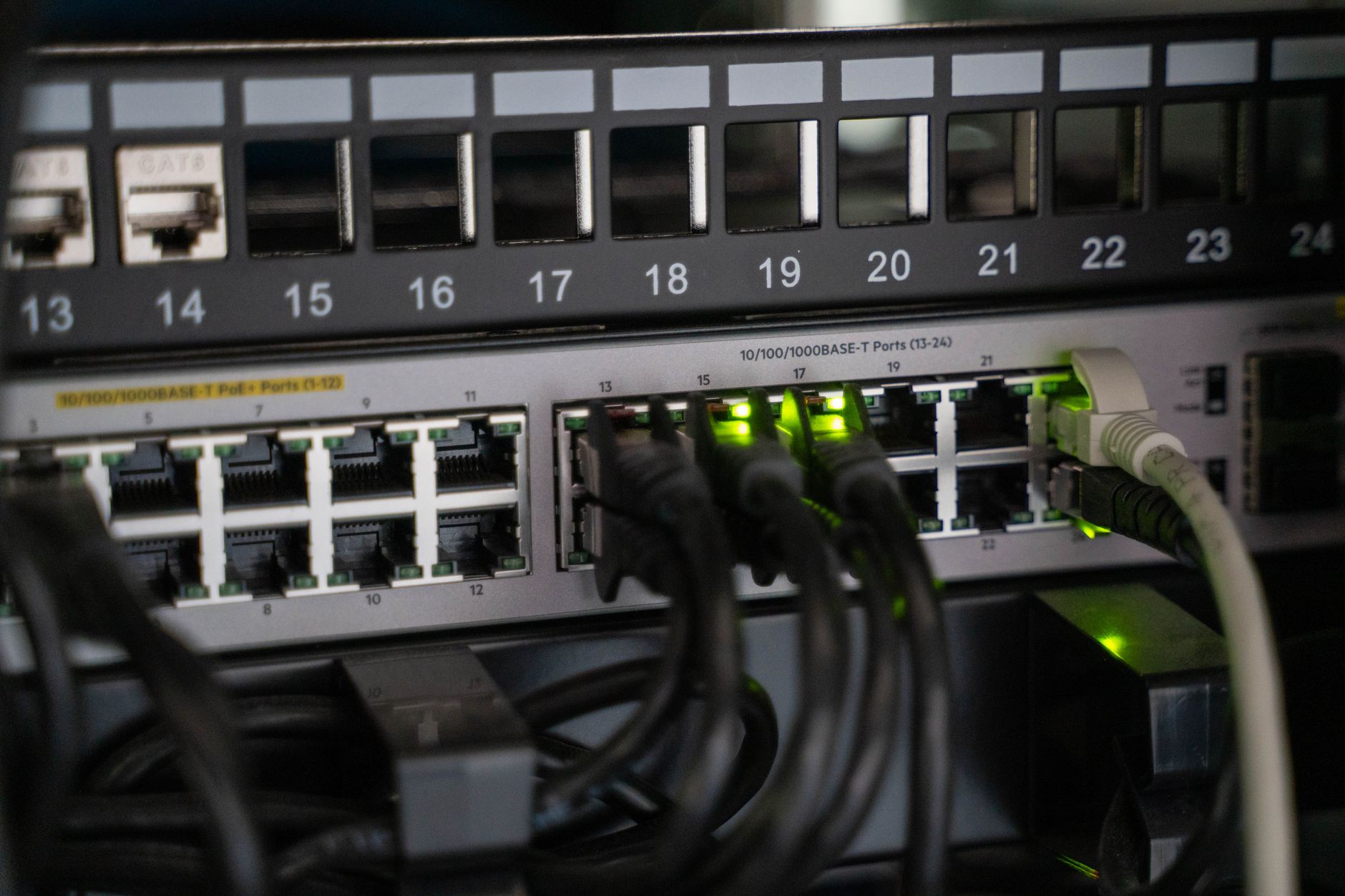
📷 Vladimir Srajber / PexelsMCP Protocol: How AI Models Like Claude Connect to Any Tool
Model Context Protocol is the open standard letting AI models use databases, APIs, and services. Here's how it works and why it matters.
What Is the Model Context Protocol?
The Model Context Protocol (MCP) is an open standard developed by Anthropic that defines how AI models connect to external tools, data sources, and services. Think of it as USB-C for AI — a universal connector that lets any AI model plug into any tool without custom integration work.
Before MCP, connecting an AI assistant to your company's database, your calendar, your GitHub repositories, or any other system required custom code for every combination. Each AI provider had their own proprietary function-calling format. Every tool needed separate integrations for Claude, GPT-4, and Gemini. This created enormous fragmentation.
MCP solves this by defining a standard protocol that works across models and tools. An MCP server that exposes your database can be used by any MCP-compatible AI client without modification.
Why MCP Matters: The Context Problem
To understand why MCP is important, you need to understand the "context problem" in AI.
Language models are powerful reasoning engines, but they only know what is in their context window — the text and data passed to them in a conversation. If you ask Claude about your company's sales figures, Claude has no way to access that data unless it is provided. For most real-world tasks, this is the central limitation.
The Old Way: Pasting Everything
Before MCP and similar approaches, users worked around this by manually copying information into their AI conversations:
- Paste the relevant code files
- Copy the database query results
- Attach the document
- Manually describe the current system state
This is tedious, error-prone, and breaks down completely for tasks that require real-time data, large datasets, or dynamic information that changes frequently.
The MCP Way: Live Connections
MCP allows AI assistants to directly connect to your data sources and tools. When you ask Claude a question, it can:
- Query your database for relevant records
- Read files from your filesystem
- Execute code and see the results
- Search the web for current information
- Write to your calendar or task management system
- Fetch data from any API
This transforms AI from a knowledgeable conversational partner into a genuine agent that can take actions in the world.
How MCP Works: The Architecture
MCP defines three main roles:
1. MCP Host
The AI application that the user interacts with. This could be:
- Claude Desktop (Anthropic's desktop app)
- Claude Code (the CLI tool)
- A custom application built with the Claude API
- Any other MCP-compatible AI client
2. MCP Client
A component within the host that manages the connection to MCP servers. The client handles the protocol negotiation, sends requests, and processes responses.
3. MCP Server
A lightweight server that exposes tools, resources, or prompts to MCP clients. Anyone can build an MCP server. Common examples include:
- Filesystem server: Read and write local files
- Database server: Query SQL or NoSQL databases
- GitHub server: Manage repositories, issues, pull requests
- Slack server: Send messages, read channels
- Browser server: Navigate websites and extract content
- Custom business logic: Any proprietary system you want AI to access
The Communication Flow
User → MCP Host (Claude) → MCP Client → MCP Server → External Tool/Data
                         ← Response ←              ← Result ←
When Claude needs to use a tool:
- Claude determines it needs to use a tool to answer the question
- Claude Client sends a tool call request to the appropriate MCP server
- The MCP server executes the action (database query, file read, API call)
- The result is returned to Claude, which incorporates it into its response
MCP Capabilities: Resources, Tools, and Prompts
MCP servers can expose three types of capabilities:
Resources
Resources are data that the AI can read. They are like files or database records — they have a URI and content. Examples:
file:///home/user/documents/report.pdf— a local filedb://customers/recent— a database viewgithub://repos/my-project/README.md— a GitHub file
Resources can be static or dynamic (updated in real time).
Tools
Tools are functions the AI can call to take actions or retrieve computed data. Examples:
create_calendar_event(date, title, attendees)— add a meetingsend_email(to, subject, body)— send an emailrun_sql_query(query)— execute a database querysearch_web(query)— search the internet
Tools are the most powerful capability — they allow the AI to affect the world, not just read from it.
Prompts
Prompts are pre-defined prompt templates that MCP servers can expose. They provide standardized ways to interact with a particular service. For example, a GitHub MCP server might expose a prompt template for "review pull request" that automatically structures the relevant code and context.
Setting Up MCP: Practical Guide
Installing MCP Servers
The easiest way to use MCP is with Claude Desktop. Here is how to add servers:
- Open Claude Desktop settings
- Navigate to the "Developer" section
- Edit the
claude_desktop_config.jsonfile - Add server configurations
Example configuration:
{
  "mcpServers": {
    "filesystem": {
      "command": "npx",
      "args": [
        "-y",
        "@modelcontextprotocol/server-filesystem",
        "/Users/your-username/Documents"
      ]
    },
    "github": {
      "command": "npx",
      "args": ["-y", "@modelcontextprotocol/server-github"],
      "env": {
        "GITHUB_PERSONAL_ACCESS_TOKEN": "your_token_here"
      }
    }
  }
}
Popular Official MCP Servers
Anthropic maintains official servers for common integrations:
| Server | What It Does |
|---|---|
@modelcontextprotocol/server-filesystem | Read/write local files |
@modelcontextprotocol/server-github | GitHub API access |
@modelcontextprotocol/server-postgres | PostgreSQL database access |
@modelcontextprotocol/server-sqlite | SQLite database access |
@modelcontextprotocol/server-slack | Slack messaging |
@modelcontextprotocol/server-google-drive | Google Drive files |
@modelcontextprotocol/server-brave-search | Web search via Brave |
@modelcontextprotocol/server-puppeteer | Browser automation |
Community MCP Servers
The MCP ecosystem has grown rapidly. Community-built servers exist for:
- Linear (project management)
- Notion (knowledge base)
- Jira (issue tracking)
- Salesforce (CRM)
- AWS services
- Docker containers
- Many more
Browse the full list at the MCP server registry.
Building Your Own MCP Server
Building a custom MCP server lets you connect Claude to your proprietary systems. This is how enterprises integrate AI with their internal tools.
Python Example: Simple Database Server
from mcp.server import Server
from mcp.server.stdio import stdio_server
import mcp.types as types
import sqlite3

server = Server("my-database")

@server.list_tools()
async def list_tools() -> list[types.Tool]:
    return [
        types.Tool(
            name="query_database",
            description="Execute a SQL SELECT query on the company database",
            inputSchema={
                "type": "object",
                "properties": {
                    "query": {
                        "type": "string",
                        "description": "The SQL SELECT query to execute"
                    }
                },
                "required": ["query"]
            }
        )
    ]

@server.call_tool()
async def call_tool(name: str, arguments: dict) -> list[types.TextContent]:
    if name == "query_database":
        conn = sqlite3.connect("company.db")
        cursor = conn.execute(arguments["query"])
        rows = cursor.fetchall()
        columns = [desc[0] for desc in cursor.description]
        result = [dict(zip(columns, row)) for row in rows]
        return [types.TextContent(type="text", text=str(result))]

async def main():
    async with stdio_server() as streams:
        await server.run(*streams, server.create_initialization_options())

if __name__ == "__main__":
    import asyncio
    asyncio.run(main())
TypeScript Example: Simple API Server
import { Server } from "@modelcontextprotocol/sdk/server/index.js";
import { StdioServerTransport } from "@modelcontextprotocol/sdk/server/stdio.js";
import {
  CallToolRequestSchema,
  ListToolsRequestSchema,
} from "@modelcontextprotocol/sdk/types.js";

const server = new Server(
  { name: "weather-api", version: "1.0.0" },
  { capabilities: { tools: {} } }
);

server.setRequestHandler(ListToolsRequestSchema, async () => ({
  tools: [
    {
      name: "get_weather",
      description: "Get current weather for a city",
      inputSchema: {
        type: "object",
        properties: {
          city: { type: "string", description: "City name" },
        },
        required: ["city"],
      },
    },
  ],
}));

server.setRequestHandler(CallToolRequestSchema, async (request) => {
  if (request.params.name === "get_weather") {
    const city = request.params.arguments?.city as string;
    const response = await fetch(
      `https://api.weather.com/v1/current?city=${encodeURIComponent(city)}`
    );
    const data = await response.json();
    return {
      content: [{ type: "text", text: JSON.stringify(data, null, 2) }],
    };
  }
  throw new Error(`Unknown tool: ${request.params.name}`);
});

const transport = new StdioServerTransport();
await server.connect(transport);
MCP vs. Other Tool-Use Approaches
MCP vs. OpenAI Function Calling
OpenAI introduced function calling as a way for GPT models to use tools. The key differences:
| MCP | OpenAI Function Calling | |
|---|---|---|
| Standard | Open standard, any model | Proprietary to OpenAI |
| Server reuse | One server works with any MCP client | Must rewrite for each AI provider |
| Complexity | More setup required | Simpler for basic use cases |
| Ecosystem | Growing community of servers | More mature third-party support |
MCP vs. LangChain Tools
LangChain has its own tool ecosystem. MCP is lower-level and more universal — LangChain tools are framework-specific, while MCP is a protocol that can be used from any framework.
Why MCP Is Winning
The key advantage of MCP is interoperability. When you build an MCP server for your system, it works with every MCP-compatible AI client — today, tomorrow, and as new models emerge. This investment compounds over time in a way that proprietary integrations do not.
Real-World Use Cases
Software Development
Developers using Claude Code with MCP can:
- Have Claude read their codebase, propose changes, and write the code
- Run tests and see results directly in the conversation
- Commit and push changes through Git
- Create GitHub issues and pull requests
- Query their database to understand the current data state
This is the most mature MCP use case in 2026, and it is genuinely transformative for developer productivity.
Business Operations
Teams using Claude with business MCP servers can:
- Ask Claude to summarize last week's sales and identify anomalies
- Have Claude draft a Slack message to the team about an issue it found in the data
- Ask Claude to find all open support tickets related to a specific feature
- Have Claude update project status in their project management tool
Personal Productivity
Individuals can connect Claude to:
- Their local filesystem for document management
- Calendar and email for scheduling assistance
- Browser automation for research tasks
- Password managers for secure credential handling
Security and Privacy Considerations
MCP is powerful, which means security matters.
Key Principles
-
Least privilege: Only grant MCP servers access to what they need. A server that queries your database for read-only reporting does not need write access.
-
Review tool calls: When Claude uses MCP tools, it tells you what it is doing. Review tool calls before approving them, especially for write operations.
-
Keep servers local: For sensitive data, run MCP servers locally rather than over the network.
-
Authenticate properly: Use proper API keys and tokens for external services. Never hardcode credentials in server configs.
-
Audit actions: Log what tools are called and when, especially for production deployments.
The Future of MCP
MCP is still relatively young, but adoption is accelerating rapidly. Several trends are worth watching:
Multi-model support: While Anthropic created MCP, the open standard is being adopted by other AI providers. We are moving toward a world where one MCP server works with any AI model.
Enterprise adoption: Large companies are building internal MCP servers that connect AI to their proprietary systems — HR databases, internal knowledge bases, custom APIs. This is becoming a standard part of enterprise AI deployment.
AI agents: MCP is foundational infrastructure for autonomous AI agents. As models get better at multi-step reasoning and planning, MCP servers are the hands that let them reach out and affect the world.
Regulated industries: Healthcare, finance, and legal sectors are exploring MCP deployments with appropriate security controls. The ability to connect AI to existing systems without moving sensitive data to cloud APIs is a key benefit.
Getting Started Today
The simplest way to experience MCP is with Claude Desktop:
- Install Claude Desktop from Anthropic's website
- Add the filesystem server to enable Claude to read your local files
- Ask Claude to help you with a task involving your documents
From there, explore the official MCP server registry and experiment with servers relevant to your work. For developers, building a simple custom MCP server is a worthwhile weekend project that provides deep insight into the protocol.
Useful Developer Tools
While exploring MCP and AI integration, these tools can help you debug and validate data:
- JSON Formatter — Format and validate MCP server responses
- JWT Decoder — Debug authentication tokens
- URL Encoder — Encode API endpoints properly
- Hash Generator — Generate checksums for data verification